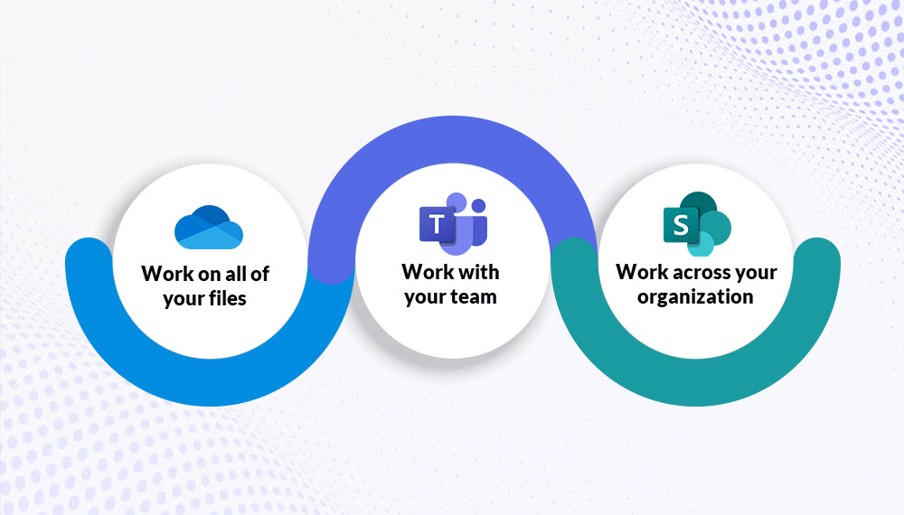
These training sessions are designed to provide a basic understanding of how to navigate Microsoft 365 Applications in the Nebraska tenant. A variety of dates and times are available on both City and East Campus for Faculty and Staff to participate. Attendees are encouraged to bring their own device or something to take notes with during the session. Resources will be shared with attendees at the conclusion of the training day.
Choose from one or more of the following options:
UNL Navigating Microsoft 365 Applications Overview
This training is designed to learn more about navigating Microsoft 365 Applications in the Nebraska tenant. All training sessions offered will cover the same topics including a brief description of SharePoint, OneDrive, & Teams along with some best practices for sharing files. There will also be time for Q&A! Recommended to take before other sessions.
Register for in-person sessions here - https://nebraska.bridgeapp.com/learner/training/2c40c0c8/enroll Location date/session dependent
NEW: Register here - Virtual Navigating Microsoft 365 Applications Overview https://nebraska.bridgeapp.com/learner/training/5cf398bc/enroll
UNL Microsoft SharePoint Overview
This training is designed for faculty and staff to learn more about helpful tips and tricks for using SharePoint. All training sessions offered will cover the same topics including Microsoft Learning Pathways, different ways to set up Document Libraries, and how to manage members as a site owner. There will also be time for Q&A!
Register for in-person sessions here -https://nebraska.bridgeapp.com/learner/training/26b45cfd/enroll Location date/session dependent
NEW: Register here - Virtual Microsoft SharePoint Overview https://nebraska.bridgeapp.com/learner/training/d5f7475f/enroll
UNL Microsoft Teams Overview
This training is designed for staff to learn more about helpful tips and tricks for using Teams. All training sessions will cover the basics of setting up standard and private channels. There will also be time for Q&A!
Register for in-person sessions here -https://nebraska.bridgeapp.com/learner/training/8251d1b6/enroll Location date/session dependent
NEW: Register here - Virtual Microsoft Teams Overview https://nebraska.bridgeapp.com/learner/training/0aa39c4b/enroll
UNL Microsoft OneDrive Overview
This is an in-person training designed for faculty and staff to learn more about helpful tips and tricks for using their own personal OneDrive. All training sessions will cover navigating and OneDrive icons. There will also be time for Q&A!
Register here https://nebraska.bridgeapp.com/learner/training/23e1e559/enroll Location date/session dependent
No virtual option offered at this time
To jumpstart your learning before these sessions, you may consider enrolling in the Intro to Microsoft 365 Fundamentals Course 1 link - https://nebraska.bridgeapp.com/learner/courses/cc86bc84/enroll and/or Intro to Microsoft 365 Fundamentals Course 2 https://nebraska.bridgeapp.com/learner/courses/b043bd2d/enroll in Bridge!